
For solo operators, consultants, and small teams
Turn recurring AI work into workflows you can trust.
If your best prompts live in chat threads and every handoff needs cleanup, you are not behind. The process just needs structure. GetPrompting helps you turn that recurring work into clear prompts, useful SOPs, review steps, and automation you can understand.
Start free with the AI Workflow Starter SystemProof you can inspect
See how the work is built before you pay for help.
Michael builds and documents practical workflow systems in public. GetPrompting holds the free learning and working artifacts; MichaelStables.com holds the consulting scope, experience, and larger case studies.
Find your starting point
Start with the part of the work that keeps getting messy.
Pick the closest fit and start with a free guide. You do not need to redesign everything at once to make one repeated task easier to explain, run, check, and improve.
The task repeats, but the steps still live in my head.
Use the free SOP library to turn recurring research, content, and operations work into named steps and review checks.
Turn the task into an SOP Consultant or small teamThe output changes depending on who runs the work.
Make the context, examples, boundaries, and expected output explicit so the prompt can survive a handoff.
Stabilize the prompt layer Workflow or automation ownerThe workflow runs, but the handoffs still feel fragile.
Map the inputs, outputs, review owner, and failure conditions before adding more automation or another AI tool.
Map the workflow boundaryFree AI Workflow Starter System
Start with one repeated task, not a giant automation plan.
Get the workflow canvas, assistant planner, reusable prompt templates, and first automation walkthrough. The follow-up path helps you turn one real task into the next useful system before you add more tools.
Build the foundation
Four foundations for practical AI systems.
Each guide gives you a practical way to think about prompts, workflows, agents, or local AI without pretending every problem needs the same stack.
Write prompts that can become systems
Use roles, context, examples, output formats, and review rules so prompts become reusable instructions instead of lucky chats.
Explore prompt engineering AI workflowsTurn AI tools into repeatable workflows
Move from one-off AI tasks into small systems with clear inputs, review gates, useful outputs, and practical automation.
Explore AI workflows AgentsKnow when an agent is the right tool
Understand the difference between bots, workflows, agents, and harnesses before adding autonomy where a simple review gate would work better.
Explore AI agents Local AIRun useful AI locally when it makes sense
Learn how Ollama, local models, RAG, and private knowledge systems fit into practical workflows without pretending local is always better.
Explore local AIWhat happens after the guide
Use the smallest next step that solves the problem.
If a free guide or library solves it, great. Stop there. When a workflow matters enough that you want a second set of eyes before spending more time or adding more tools, bring it to Michael for a focused review.
A second set of eyes, not another download.
The Workflow Review is a focused async diagnostic for a prompt chain, SOP, automation, or AI system that is unreliable or still unclear. You send the context; Michael identifies the likely failure boundary and returns a workflow map, fix list, and bounded next-step recommendation. It is not a full custom build.
Tested tools
I review AI tools so you do not have to burn hours on the wrong stack.
Tool reviews stay useful when they answer one question: does this actually help a real workflow? I test for fit, friction, review risk, pricing, and when a tool does not belong in the stack. Some links may be affiliate links. I disclose that clearly, and the recommendation still has to make sense if you never click it.
Across the library
Discover something useful from each corner of the library.

Advanced Prompt Engineering Techniques for Better AI Workflows (2026)
There is a point where AI workflows stop feeling “impressive” and start feeling messy. You have prompts saved everywhere. Half your outputs sound different...
Read guide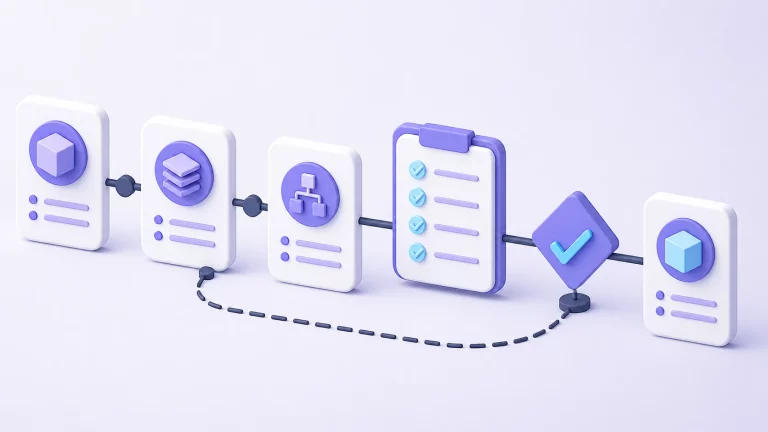
What Is an SOP? A Practical Guide to Repeatable Work
Learn what an SOP is, how it differs from a checklist or workflow, where AI helps, and when a repeatable process is ready for...
Read guide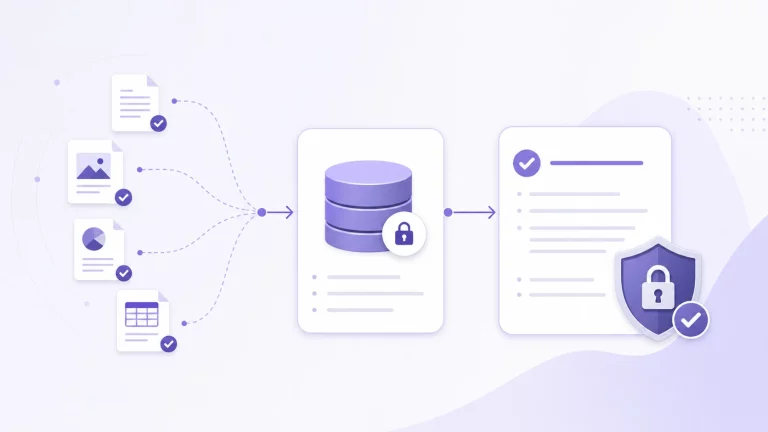
What Is AnythingLLM? A Beginner’s Guide to Local AI Knowledge Bases
If you've spent any time exploring local AI recently, you've probably come across AnythingLLM. It shows up in YouTube tutorials, Reddit discussions, AI workflow...
Read guideThe GetPrompting approach
AI works better when it has a job, a boundary, and a review step.
The aim here is simple: help you turn scattered AI experiments into practical systems that make work easier to start, organize, check, and improve.
- 01Random AI use
- 02Better prompts
- 03Reusable assistants
- 04Repeatable workflows
- 05Automation with review gates
- 06Agents and local systems when they fit